Home
Home  Navigation


Dynasty Warriors: Origins, while not open-world, features a sizable map that can become challenging to navigate as the game progresses. Unlocking new skirmishes and requests often requires significant backtracking. Fortunately, fast travel significantly reduces travel time, especially for players aiming to complete all side content.
Fast Travel in Dynasty Warriors: Origins
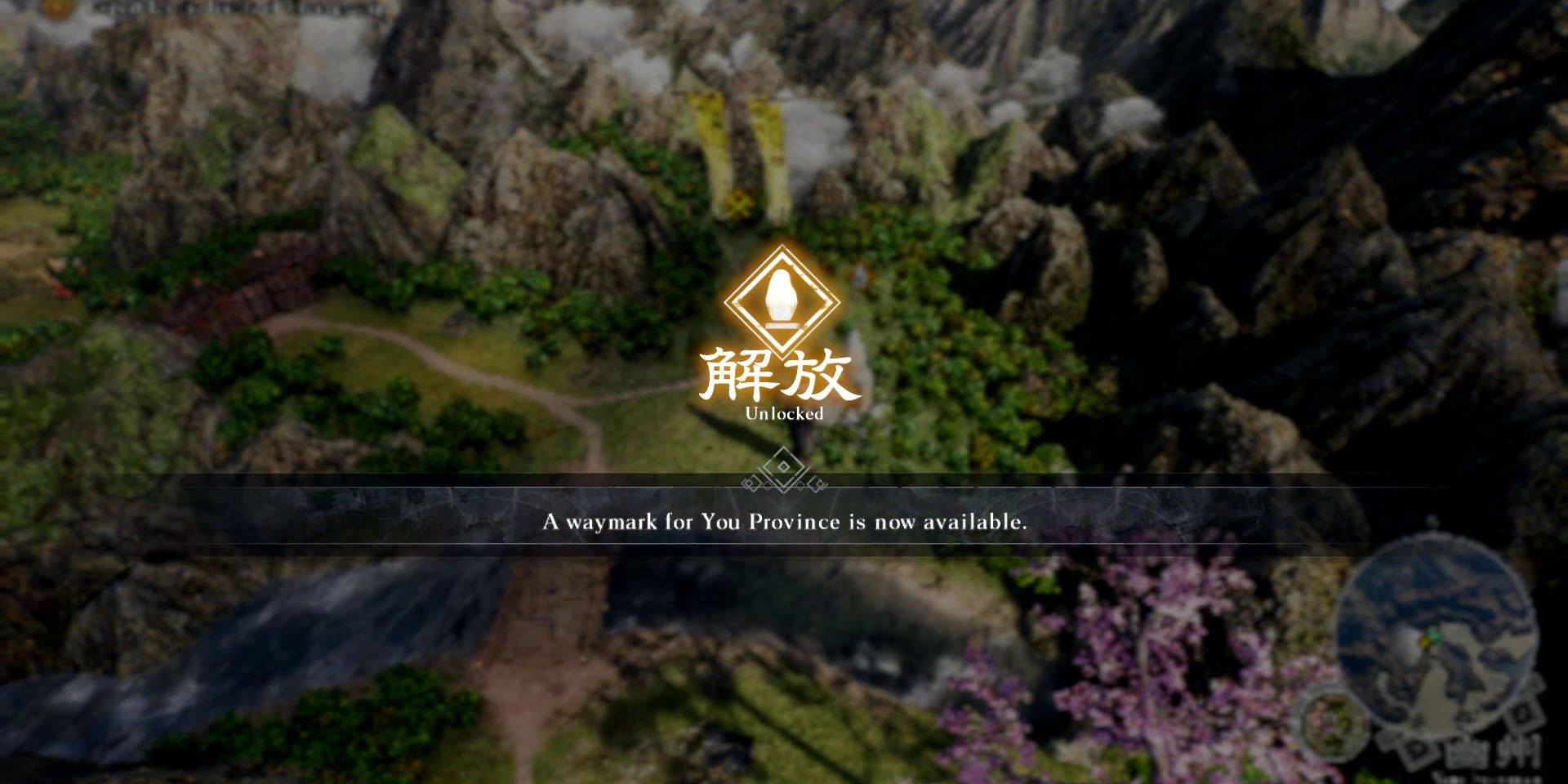 Fast travel utilizes Waymarks, accessed via the in-game map screen. To unlock a Waymark, approach it on the world map and hold X (PlayStation) or A (Xbox). The unlocked Waymark then appears on the map screen, enabling instant travel.
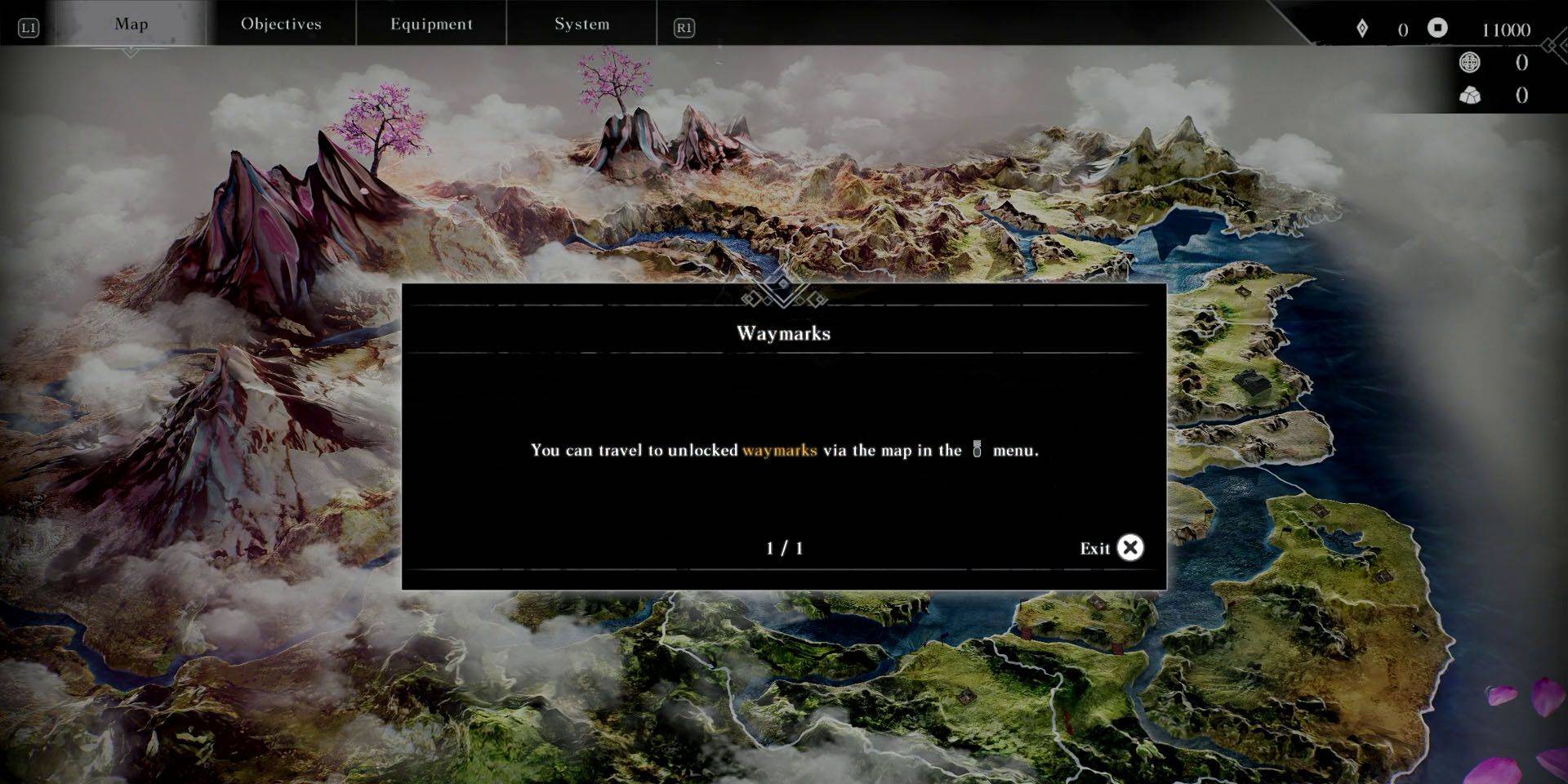 Access the map by interacting with an unlocked Waymark or pausing the game and navigating to the Map menu using the shoulder buttons. PlayStation players can quickly access the map via the DualSense touchpad while on the world map.
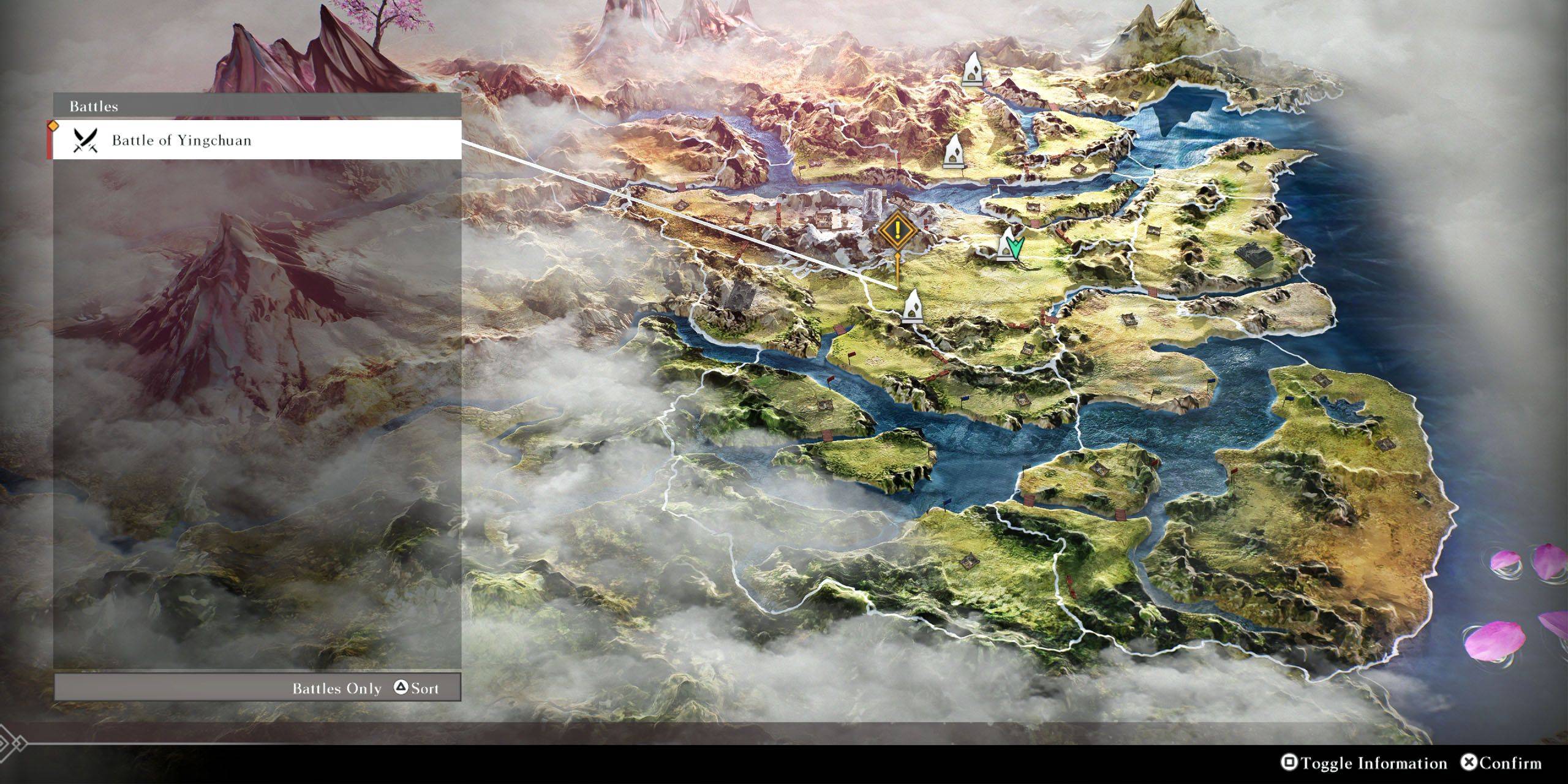 On the map screen, hovering over an unlocked Waymark displays nearby key locations and battles. Press Square (PlayStation) or X (Xbox) to toggle information, and use Triangle (PlayStation) or Y (Xbox) to cycle through battles and locations. Select your target to automatically move the cursor to the nearest Waymark.
 Latest Articles









 Latest Games