Home
Home  Navigation


There's nothing more frustrating than eagerly diving into a game, only to be met with technical issues. Many fans of *Final Fantasy 7* are currently facing this challenge with DirectX 12 (DX12) errors in *Final Fantasy 7 Rebirth* on PC. Let's explore what these errors are and how you can resolve them to enjoy this highly anticipated sequel to *Final Fantasy VII Remake*.
What Are DirectX 12 Errors in Final Fantasy 7 Rebirth?
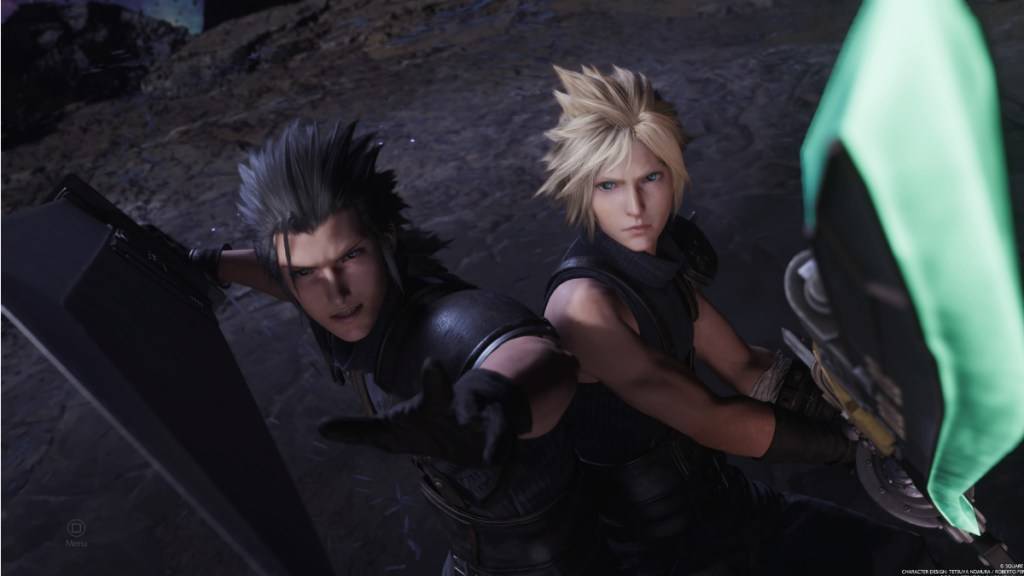
*Final Fantasy 7 Rebirth* has been captivating players for nearly a year, offering a rich experience that can be enjoyed at any pace. However, for those who didn't jump in at launch, DirectX 12 errors have become a common obstacle, preventing the game from launching. These errors typically stem from the version of Windows being used on the player's system. To run *Final Fantasy 7 Rebirth*, a PC must be equipped with DirectX 12, which is only available on Windows 10 and 11.
Related: Final Fantasy VII Rebirth’s Briana White Forges Community By Wearing Her Heart on Her Sleeve [Interview]
How To Fix DirectX 12 (DX12) Errors in Final Fantasy 7 Rebirth on PC
If you're confident that your PC is running the latest version of Windows, the next step is to verify your DirectX installation. Here's how you can do it if you're using Windows 10 or 11:
- Type "dxdiag" into the Search bar from Start.
- Click on "dxdiag."
- Head to the System Information section and check which version of DirectX is installed.
Unfortunately, if you're using an older version of Windows, you won't be able to run *Final Fantasy 7 Rebirth*. Checking for a possible update to your Windows version might help, but if that's not an option, consider requesting a refund or choosing a different game to play.
If your DirectX is version 12 and the error persists, the issue might be related to your graphics card. Many players have taken to Reddit to express their frustrations, suggesting that the game's minimum system requirements might be the culprit rather than their Windows version.
To ensure your PC meets the game's requirements, visit Square Enix's official website. Here are the recommended GPUs for *Final Fantasy 7 Rebirth*:
- AMD Radeon™ RX 6600*
- Intel® Arc™ A580
- NVIDIA® GeForce® RTX 2060*
Understanding that your GPU might not meet these requirements can be tough, especially after purchasing the game. However, these specifications are set to ensure the best gaming experience. If *Final Fantasy 7 Rebirth* is a must-play for you, it might be time to consider upgrading your hardware.
That's how you can address DirectX 12 Errors (DX12) in *Final Fantasy 7 Rebirth* on PC. For more tips, check out the best deck and strategy to beat the Shadowblood Queen in this Square Enix title.
*Final Fantasy 7 Rebirth is available now on PlayStation and PC.*
 Latest Articles








 Latest Games